
Flow tab
View screens and navigation flows in your app.
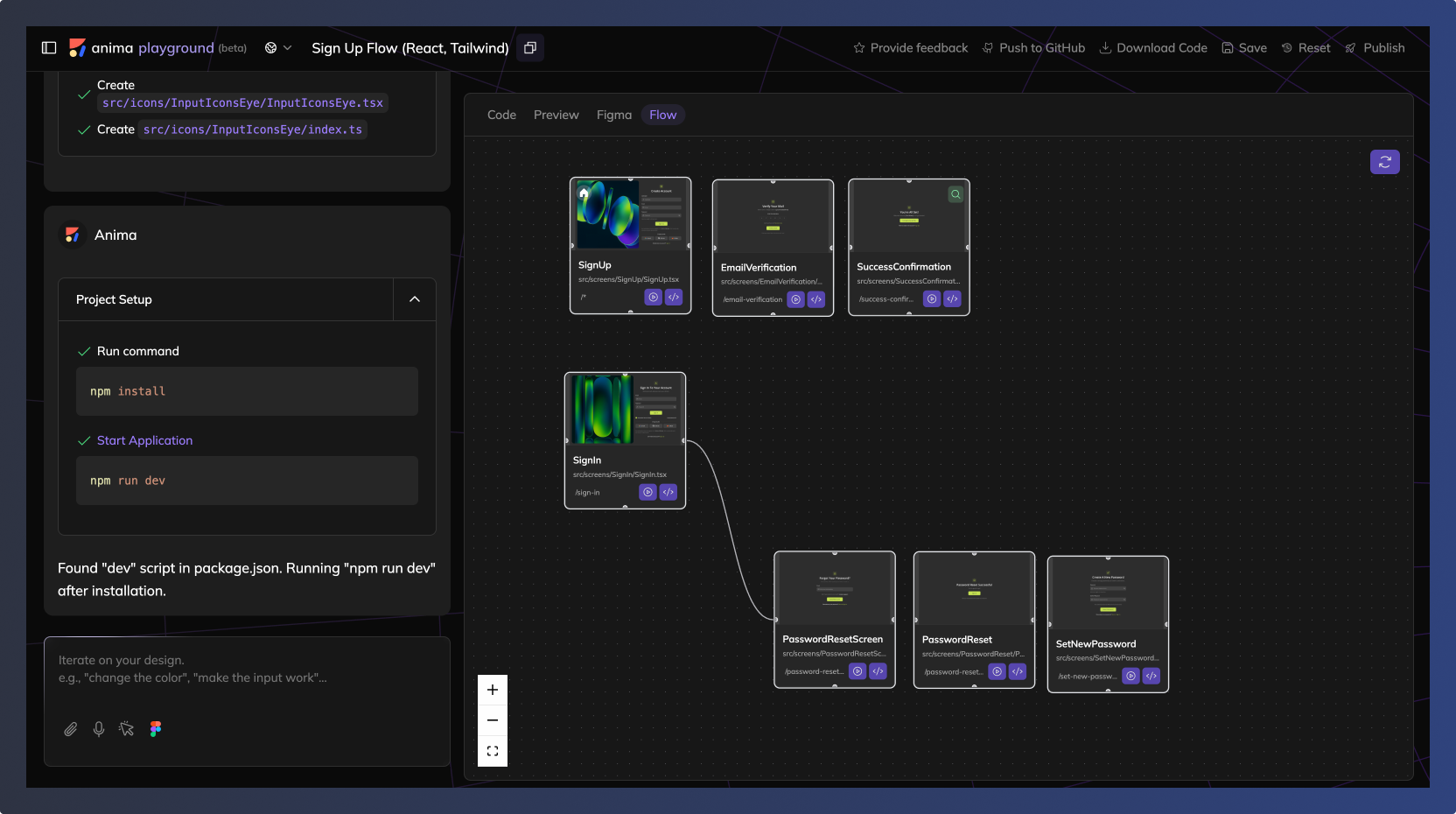
Viewing connected screens
The Flow tab shows all imported screens as a visual map. Each screen appears as a card, and connections between screens are displayed as lines showing navigation relationships.
Adding screens
Add new screens by importing more Figma frames or creating new screens from prompts.
To connect screens, use the chat:
Example prompt: "Connect the 'Login' button to the Dashboard screen."
Updated 10 months ago
Did this page help you?