
Figma
Anima Playground requires access to your Figma account to pull the structure, assets, and design data necessary for accurate code generation.
Connecting your Figma account
When signing up or pasting a Figma link, you'll be prompted to authenticate with Figma. You only need to do this once. Once authenticated, you can access all the files available to you based on your Figma team permissions.
If you've already connected your Figma account, you'll see this in your settings:
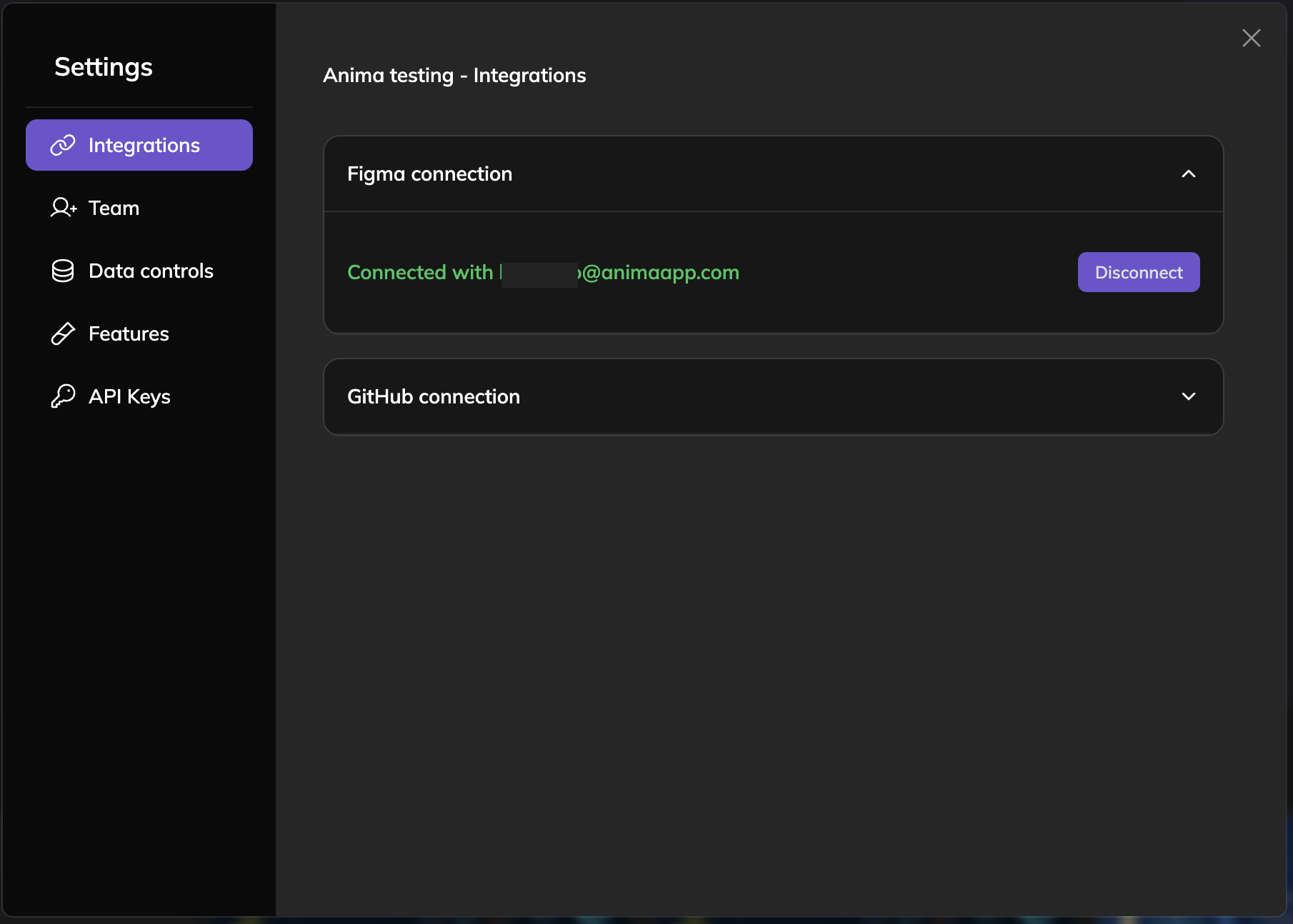
Otherwise, follow these steps:
-
Click the Connect Figma button
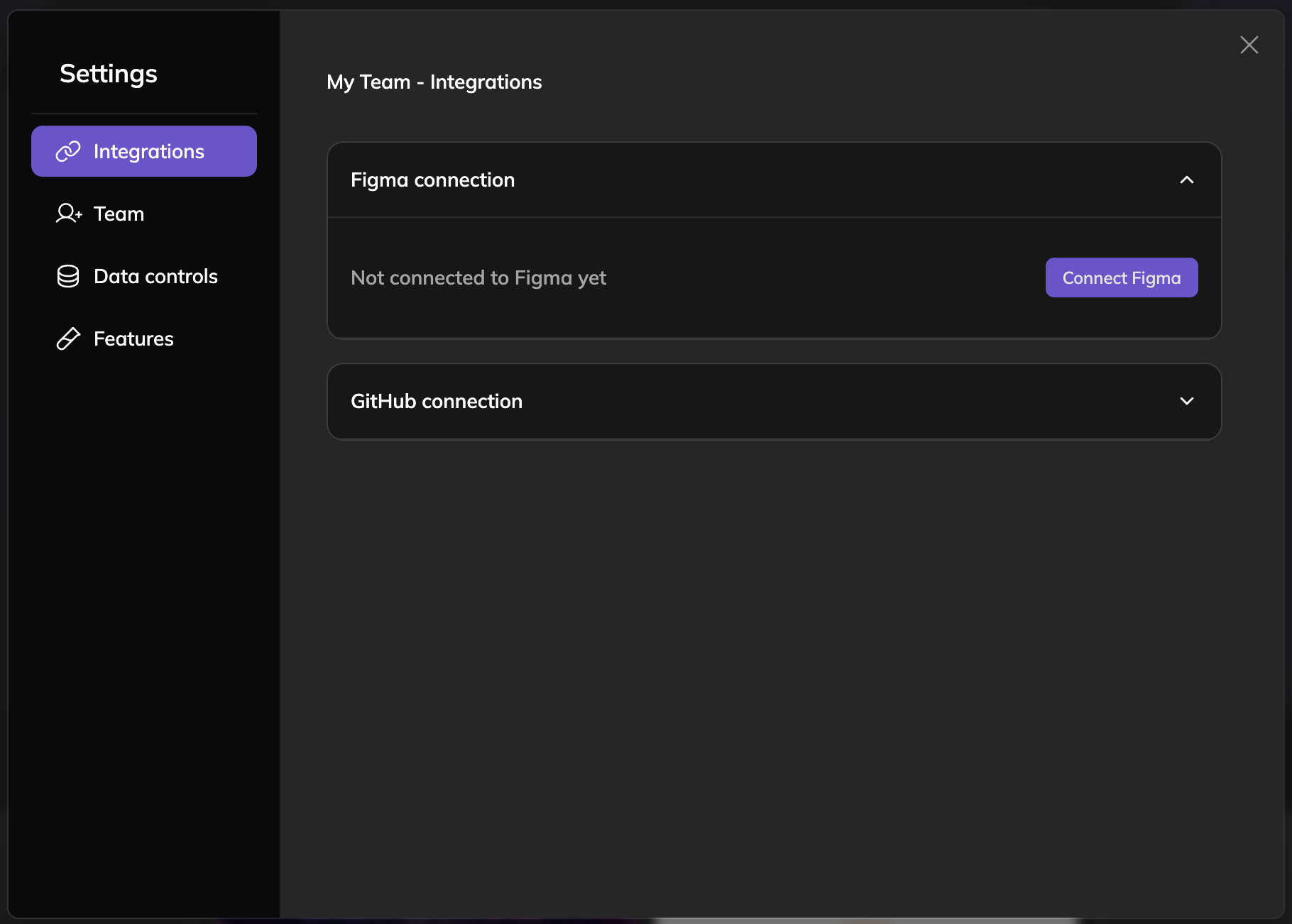
-
Go through the authorization process in your browser. You'll be prompted to log into your Figma account if needed.
-
Done! You're ready to import designs.
Updated 10 months ago
Did this page help you?